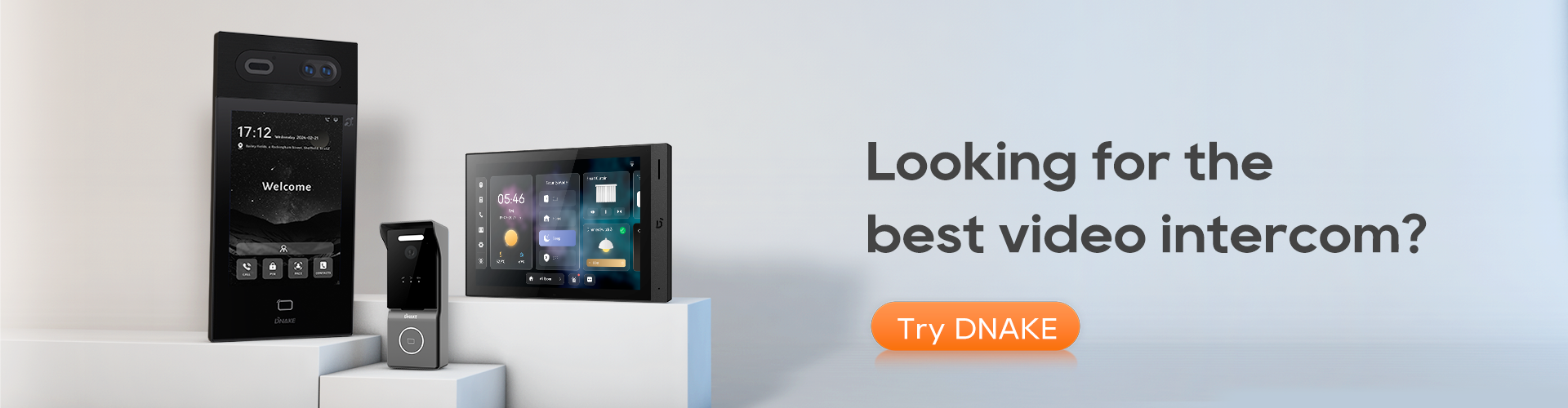

Struggling to pick the right indoor monitor? You’re not alone. With countless models flooding the market—each boasting different designs, operating systems, and various functionalities —selecting the best one can feel overwhelming.
But don’t worry! This guide will help you cut through the noise. First, let’s break down the key components of a smart intercom system to understand where indoor monitors fit in. A smart intercom system typically consists of five core devices, each serving a unique purpose:
1. Door Stations (Outdoor Units)
- Installed at entry points (gates, doors, lobbies)
- Include cameras, microphones, call buttons, and sometimes keypads/card readers
- Allows visitors to initiate a call to an indoor monitor or security center
2. Indoor Monitors (Your Focus!)
- Installed inside homes/offices—with or without touchscreens.
- Allows residents to see and talk to visitors, unlock doors, and view CCTV feeds
- Can be networked to multiple monitors in larger homes or apartments
3. Master Stations (Guard/Concierge Stations)
- Located at security desks or reception areas
- Can communicate with all door stations and indoor monitors
- Often have advanced call handling and monitoring features
4. Mobile App (Virtual Intercom)
- Turn smartphones into portable monitors for remote access
5. PC/Software-Based Clients
- Enable centralized management for property administrators
Indoor monitors are the heart of this ecosystem—they’re your direct interface for security and convenience. So, how do you choose the right one? Here are 10 expert tips to guide your decision.
1. Choose the Right Operating System (Android vs. Linux)
- Android (10 or higher) offers a smarter, smoother experience with app support and advanced features.
- Linux is a budget-friendly, stable option for basic intercom functions. (For a detailed comparison, check our post: Android vs. Linux Video Door Phones: A Head-to-Head Comparison).
2. Prioritize Connectivity (Wi-Fi vs. Ethernet)
- Wi-Fi models are easier to install and more flexible for homes.
- Wired Ethernet is more stable and secure—great for offices or places with lots of traffic.
3. Go for a Clear, Responsive Touchscreen
A monitor with a 7 to 10 inches or larger screen with IPS/TFT technology helps you quickly answer calls, unlock doors, or switch views without lag. This is especially important in time-sensitive situations—like when someone’s at your door and you need to act fast.
4. Ensure Two-Way Audio with Noise Cancellation
Never miss a word with professional-grade two-way audio. The best indoor monitor’s feature:
- Noise-canceling microphones that filter out background sounds
- Echo reduction technology for distortion-free conversations
- High-quality speakers that deliver clear voice transmission
This premium audio system ensures you can communicate naturally with visitors without raising your voice - whether you're at home or answering remotely via smartphone.
5. Look for Smart Home Integration
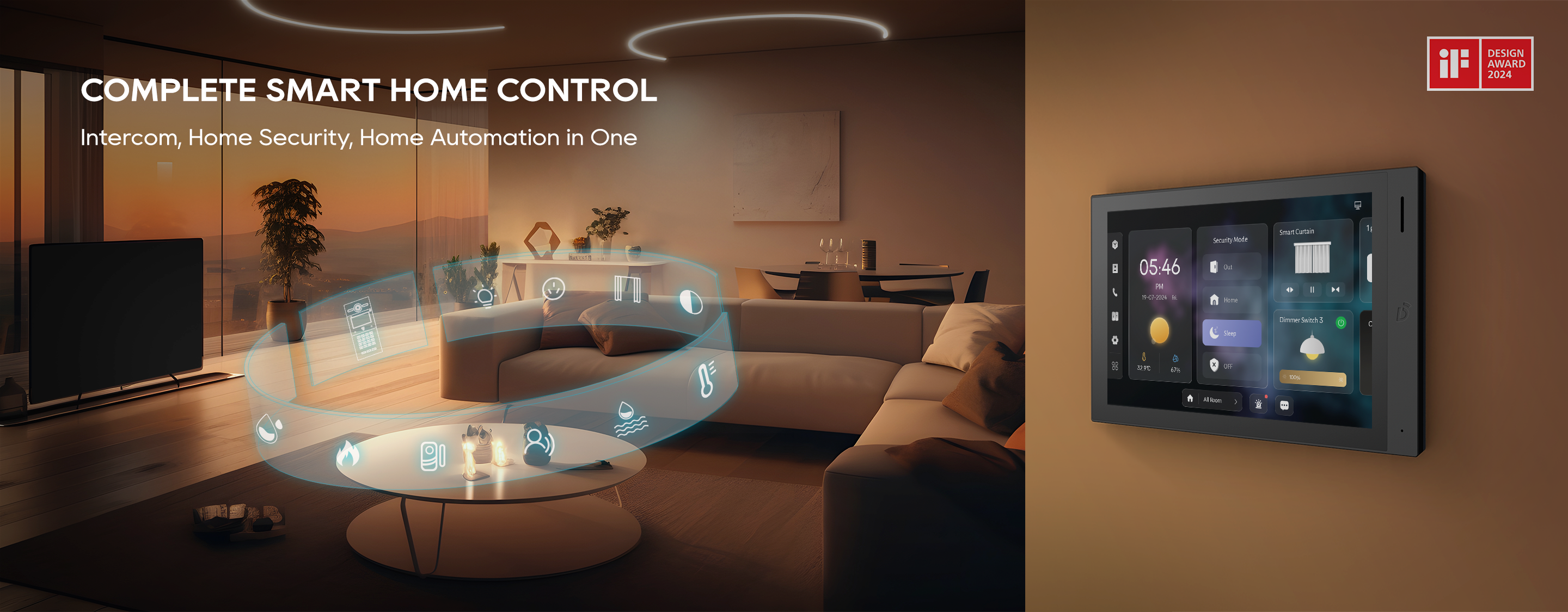
For seamless whole-home automation, choose an indoor monitor that doubles as a smart home hub. The best models let you control lights, door locks, security cameras, and even motorized curtains—all from one intuitive interface. A standout example is the DNAKE H618 Smart Control Panel, which runs on Android 10 for maximum flexibility. This powerful system offers:
- Zigbee protocol support for connecting wireless smart devices
- Third-party app compatibility to expand your automation options
- Unified control of your intercom and IoT ecosystem
By selecting a monitor with robust smart home integration, you eliminate the need for multiple control systems while enhancing both convenience and security.
6. Expend Your Security with Seamless CCTV Integration
Transform your indoor monitor into a complete security command center with advanced camera integration. Top-tier models like the DNAKE A416 offer:
- Multi-camera monitoring with quad-split screen viewing (supports up to 16 connected IP cameras)
- Instant live feeds from all entry points - front door, backyard, garage, and more
- Unified security management through a single interface
This powerful integration means you can monitor your entire property without switching between apps or devices. The DNAKE A416's intuitive interface lets you quickly check multiple cameras while handling intercom calls - perfect for comprehensive home or business security.
7. Remote Unlocking and Control
Make sure the indoor monitor allows you to remotely unlock the door (if connected to an electric strike or magnetic lock) and possibly control multiple doors if needed.
8. Mobile App Support
Never miss a visitor again with advanced mobile connectivity. An indoor monitor that works with a mobile app (like DNAKE Smart Pro) lets you answer the door and unlock it from anywhere. With this smart solution, you can greet delivery personnel while at work, grant access to family members when traveling, and monitor your entrance from anywhere in the world.
9. Expandable System Support
Expandable systems let you add more indoor monitors across multiple rooms or floors. That means:
- You can answer the door from the kitchen, bedroom, or office
- No need to run across the house just to open the gate
- Inter-room communication, so family members or coworkers can talk to each other between monitors
10. Stylish & Flexible Installation Options
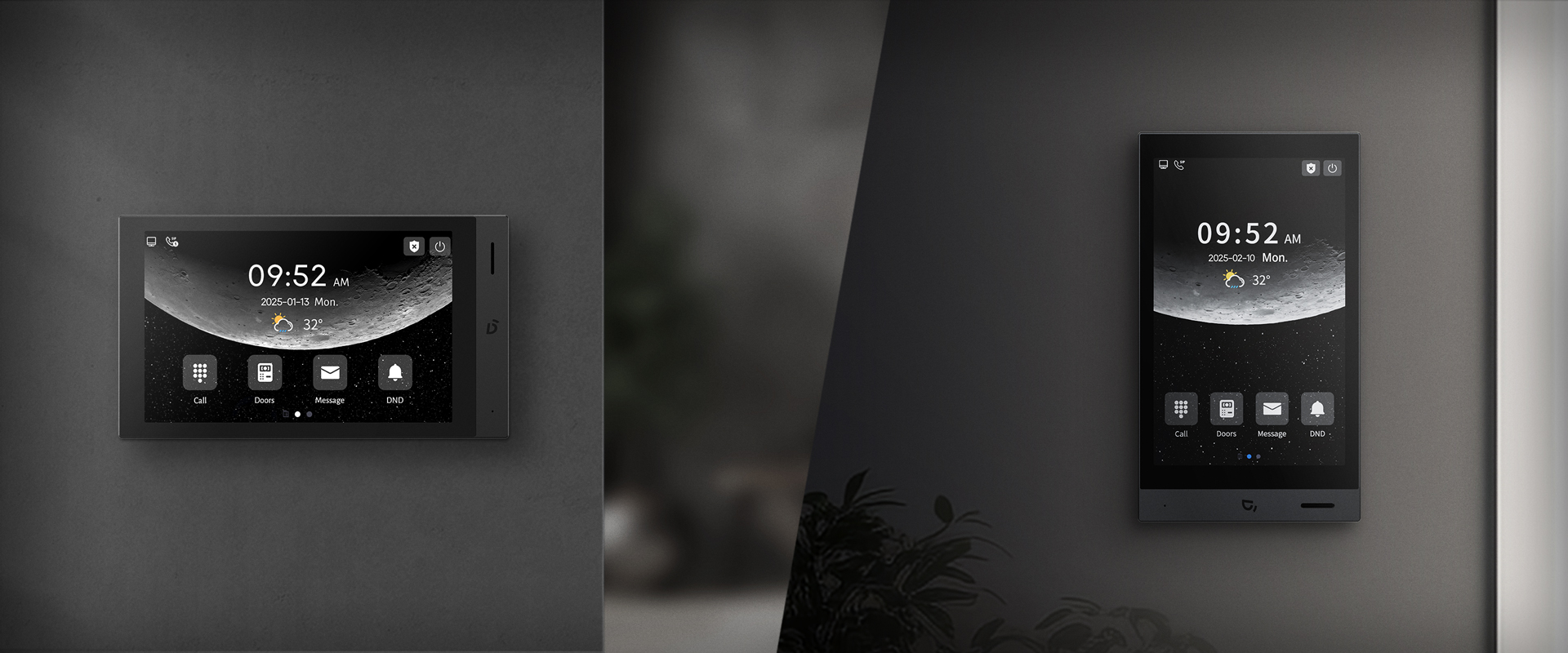
Choose a model that’s easy to wall-mount or desktop mount. Make sure it matches your interior décor. As slim, minimalist designs are popular for modern homes, DNAKE H616 indoor monitor is a good option for you. It can be easily rotated 90° to suit the installation environment, with an option to select a portrait UI mode. This flexibility is perfect for areas with limited space, such as narrow hallways or near entrance doors, without compromising on functionality. The vertical orientation maximizes the device’s efficiency and ease of use in tight spaces.
Conclusion
Whether upgrading security or automating your home or project, these 10 expert tips ensure you select a monitor that’s powerful, user-friendly, and future-proof. Ready to transform your intercom system? Explore DNAKE’s solutions for professional-grade indoor monitors.